
Live progress tracking
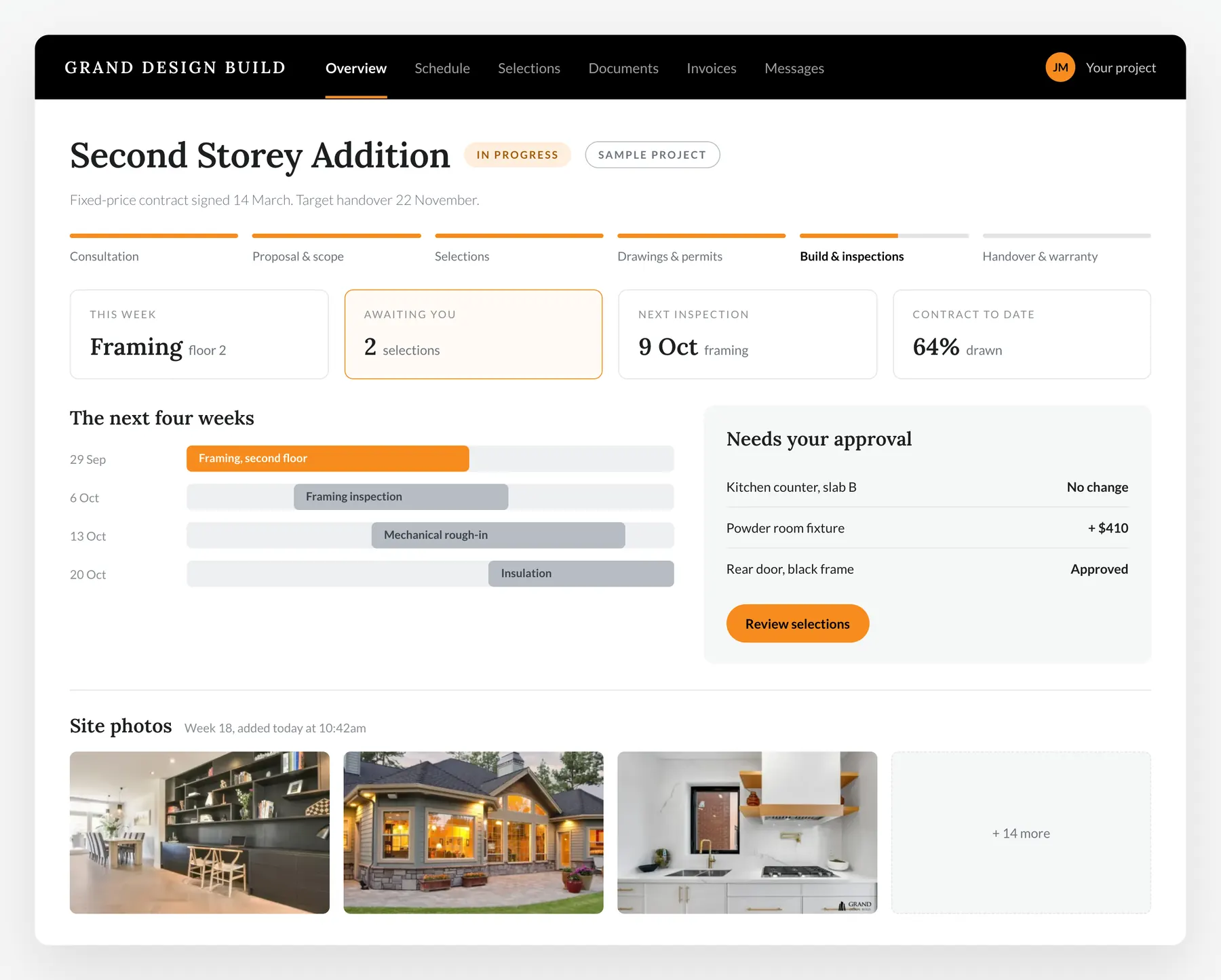
Review the schedule and milestone updates shared by your project team in the client portal.
Project Management Portal
Built for clients tracking their build. Log in to see progress, your schedule and the selections waiting on you.
Your dashboard
The moment you log in, you see where your project stands.

What's included
From permit submission to final walkthrough, your portal keeps pace with your project.
Review the schedule and milestone updates shared by your project team in the client portal.
Permits, contracts, drawings, and warranties; organized, searchable, and downloadable at any time.
Review and sign off on finishes, fixtures, and upgrades directly in the portal, with approvals recorded in one place.
See your fixed price breakdown, change orders if any, and invoice history; all in one transparent view.
Regular progress photos uploaded by your project manager so you can follow along without being on site.
Reach your project manager through conversations recorded in one place.
Document centre
Every file related to your project is stored, versioned, and ready to download.

Project timeline
A record of the milestones, updates and decisions shared with you during the build.

Ready to start your project?